Catfish – file search
For some reason, XFCE doesn't come with a pre-installed file search facility and thunar lacks this feature.
However you can use the command line to search for files
find -name “file.png” for example
However this isn't really an option for a lot of users. The solution is a program called catfish, ( i guess you fish for files).
apt install catfish as root of course
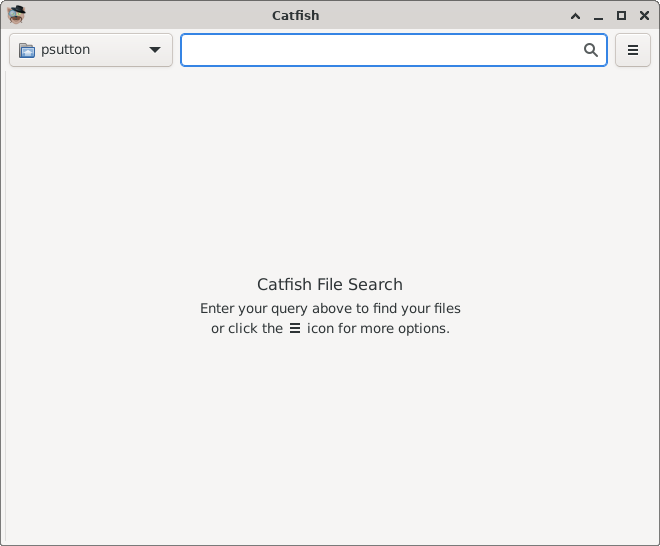
Enter the file you are looking for in to the search box and press enter -
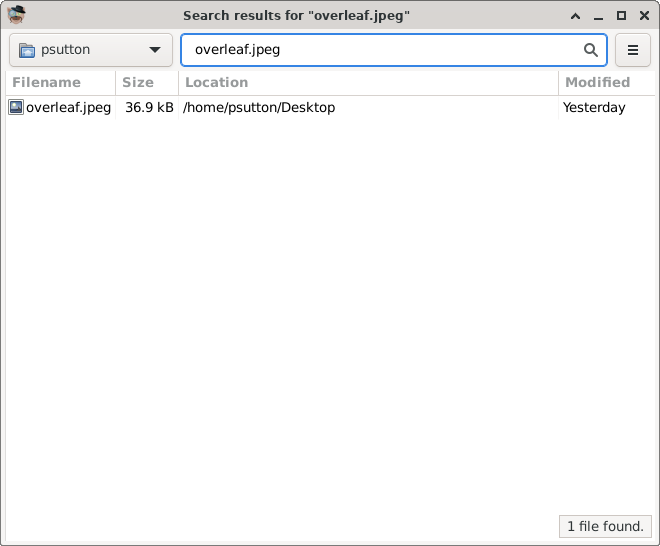
Results will be displayed
Hopefully this is helpful. I have asked about this on #debian and it seems to be something that needs to be addressed.
| Mastodon | ShellLabs | Join Mastodon |
